

Wondering how to manage multiple Instagram accounts. Great news. Instagram has a feature built exactly for this purpose. Users can take advantage of Instagram’s multiple accounts login feature. This allows a user to switch between up to 5 Instagram accounts via the native mobile app. Let’s walk through the process below.
How to Add/Remove Another Account
Without further ado, here are the steps to guide you to add an Instagram account:
- Open your Instagram app and go to your profile page
- Go to the options menu on the upper right corner and click ‘Settings’
- Scroll down to the bottom and select ‘Add Account’, fill up the login details and switch login.
How to Remove Accounts from Login
Removing account is almost the same as adding. Just go to the profile page, click menu options and select ‘Settings’. Then scroll down and click ‘Log out of (your IG username). A question will pop-up asking if you want Instagram to remember your login info. Click ‘Remember’ if you don’t want to type the login details the next time you visit the account, or ‘Not Now’ if you want to Instagram erase the login details of the account.
Or you may also add account through…
- Open your Instagram account and go to the profile page
- Click your username on top of the page and select ‘Add Account’, then type in the login info of the account you want to add.
How to Switch Between Instagram Accounts
Switching between accounts is very easy. Once you open the Instagram account, go to your profile page and click your username on top of the screen, a list of your added accounts will show. Just click the account you want to switch and whoop! You’re now on the profile page of the newly switched account.
Using Apps to Manage Multiple Instagram Accounts
Managing multiple Instagram accounts at once can be incredibly challenging when not using the proper tools. Admittedly, since Instagram has enabled the multiple accounts login feature, this process has become simpler. However, logging into an app is certainly not the only task associated with managing multiple accounts. Aside from the average user, a digital marketer, agency, or social media manager may need to run dozens of accounts across different clients or brands, which is where dedicated infrastructure comes in. Multilogin for managing multiple Instagram accounts gives each account its own cloud phone — a real Android device in the cloud with its own IP, location, and login history — so accounts stay isolated instead of sharing the same device signals.
For safe management of multiple accounts and to avoid blocks, it is better to use specialized proxies, such as Nodemaven. Fortunately, there are several paid third-party applications that are approved by Instagram which allow you to easily manage multiple accounts. Some of these third-party solutions include:
- Hootsuite
- Sproutsocial
- Laterapp
- Buffer
- AgoraPulse
Hootsuite for Managing Multiple Instagram Accounts

Using Hootsuite for your Instagram accounts makes life easier. Hootsuite includes some powerful features like reporting, team management, social listening and more.
SproutSocial for Managing Multiple Instagram Accounts
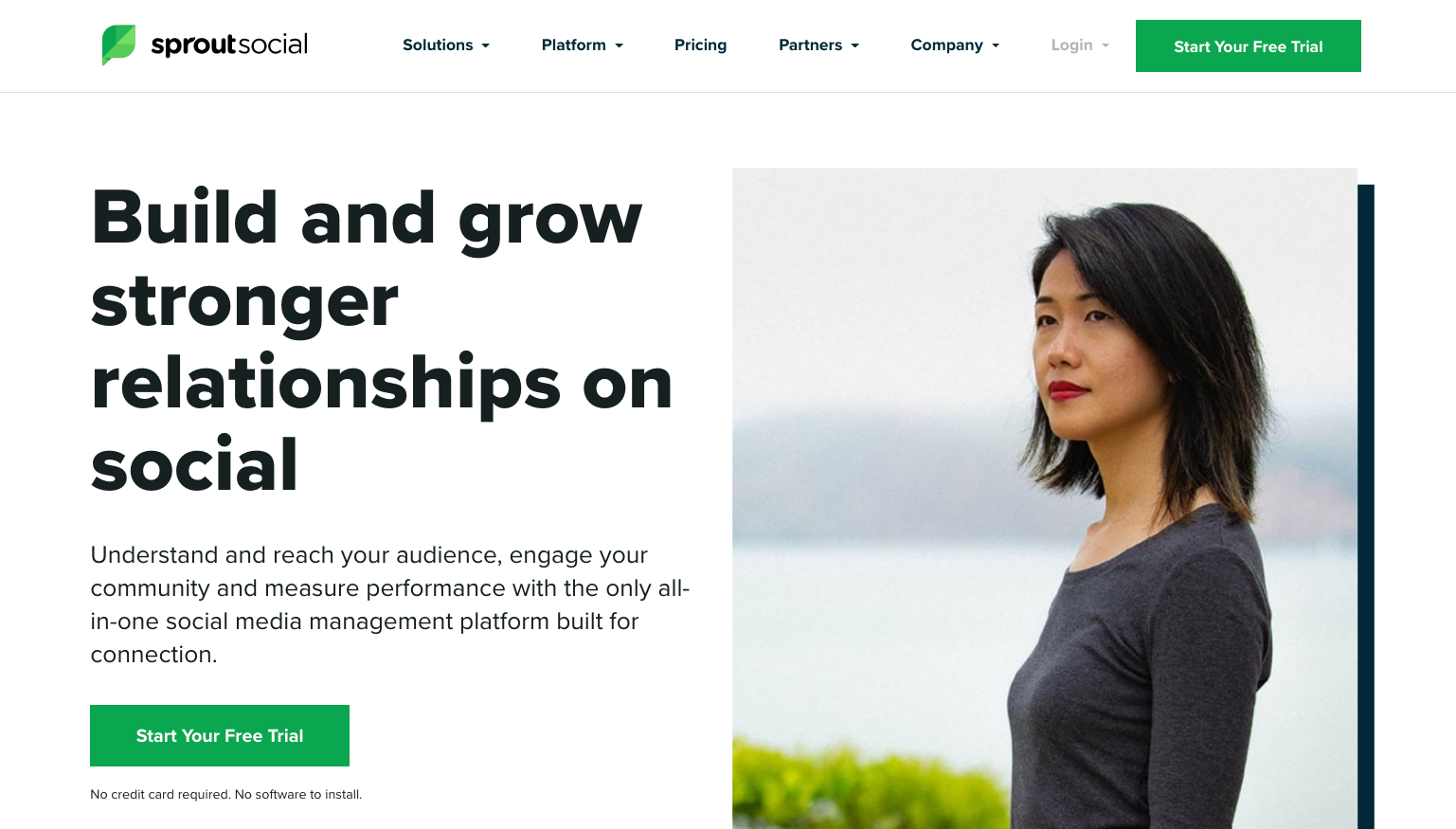
Is an all-in-one management tool for your social media accounts. For brands that own 2 or more Instagram accounts, this is a great platform to manage these accounts. Aside from scheduling post on multiple accounts, you can also directly monitor the accounts and reply to comments or messages from a single inbox.
Later For Managing Multiple Instagram Accounts

Later can be used to manage multiple Instagram accounts. The platform has many features to successfully manage multiple Instagram accounts including taggable content libraries, hashtag recommendations, and calendars for each feed.
Buffer for Managing Multiple Instagram Accounts
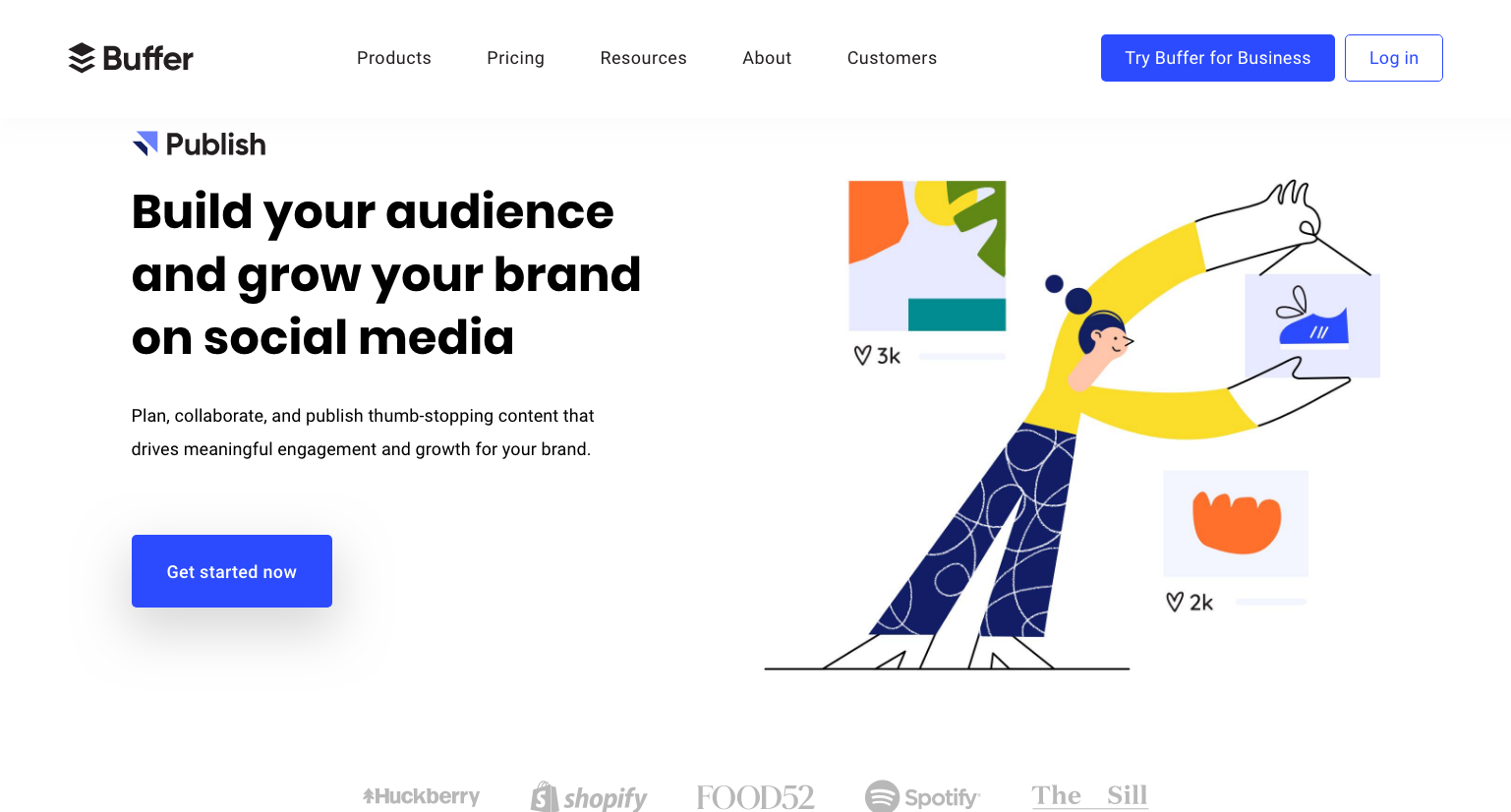
Buffer is taking an interesting approach to account management. The company has 3 primary products including Publish, Reply, and Analyze. This means that each product focuses on specific management actions. For example, Publish focuses on publishing content while Analyze focuses on analytics.
AgoraPulse for Managing Multiple Instagram Accounts

Agorapulse includes many interesting management features. Some standout features include inbox management and team management. Agorapulse was built for teams, the management tool is especially useful for a distributed workforce.
Note: You can find other approved management and community-related tools using Facebook’s Partner Directory
We hope this blog will help you with your #Instajourney. Let us know if you have a favorite Instagram management tool for multiple accounts.





25 Responses
Tutorials and Geometry Dash introductory levels instruct novice players on fundamental concepts, whereas advanced players can challenge their abilities on expert levels that necessitate exact timing and strategic reasoning.
This is super helpful! I’ve been struggling to manage more than one account—definitely going to try now.
Choose a secure casino for online betting that protects your data and funds.
Play with peace of mind using trusted security systems.
One reason block blast is so popular is its balance between simplicity and challenge.
Check ds4windows compatibility to ensure support for your Windows version.
Avoid conflicts and maintain stable controller performance.
To ensure efficiency, security, and account safety—especially to GeoGuessr Free avoid restrictions or blocks—using approved third-party management tools and specialized proxies such as Nodemaven becomes essential.
Learning about new font styles can inspire better design decisions. Discover More to explore a curated typography platform online.
This is a fascinating take on managing multiple accounts! I wonder how strategies for gaming content, like geometry dash subzero, might differ from lifestyle brands. What do you think?
It’s useful to see platforms like mathplayground highlighted, especially when discussing accessible learning resources online. Simple, interactive tools can make a noticeable difference in how students engage with math concepts.
Run 3 lets you control “the Runner” as it runs through floating space tunnels. Simply run and avoid holes, crumbling tiles, and spinning paths to live. The game’s rotating tunnel dynamics let you run on walls and ceilings, making navigating strategic and thrilling.
Honestly, the native switcher is fine for two accounts, but once you hit the limit, it gets glitchy and starts sending notifications to the wrong profile. Probably better off just using a dedicated manager tool if you’re actually running a business.
Great article on managing multiple Instagram accounts! The strategies you’ve outlined are practical and well-explained. As someone who runs multiple brand accounts, I’ve found that having the right tools makes all the difference in staying organized and maintaining consistency across profiles. For those interested in niche markets like specialty products, a curated gongfu tea set collection can really benefit from this multi-account approach to reach different audience segments effectively.
Thanks for sharing this. This is a topic that deserves more attention. I’ve been using Sprite Sheet Maker (https://spritesheetmaker.com) for my sprite sheet workflow – it supports GIF conversion and exports to JSON/XML for most game engines.
At 2:37 AM, with your tracking page frozen on “Out for Delivery” and panic setting in, uniuni customer service can feel unreachable because their support operates within limited hours. Their call centers are open Monday through Saturday, 10 am to 9 pm EST, so middle-of-the-night queries will go unanswered until morning.
Great breakdown of the Instagram multi-account workflow — especially the practical steps for adding, removing, and switching accounts without making it more complicated than it needs to be. I also like that you highlighted the gap between “just logging in” and actually managing multiple brands or clients at scale, since that’s where most people run into trouble. The tool suggestions are helpful too, especially for marketers juggling different campaigns. For anyone exploring more creative, app-based ideas around account management and automation, I’d also recommend checking out Deltarune Prophecy Maker for something a bit different and interesting.
Great breakdown of the built-in Instagram account switching feature and the tool recommendations. I especially like the practical tips on keeping workflows separate when managing multiple brands or clients. The note about using dedicated infrastructure and proxies is also useful for reducing risk as account volume grows. For anyone looking to organize their multi-account strategy more efficiently, I’d also suggest checking out 格ゲー認知診断 for a different kind of quick, engaging experience.
Great breakdown of how to manage multiple Instagram accounts, especially the practical tips on switching, adding, and keeping everything organized. For creators and social teams, the real challenge is staying efficient without mixing workflows. I’ve found that using a dedicated workflow for content planning makes a huge difference, and tools like AI Song Creator can help streamline the creative side so you can focus more on growth and engagement across accounts.
Great breakdown on managing multiple Instagram accounts. The native login switcher is definitely handy, but once you’re handling multiple brands or client accounts, workflow and consistency become the real challenge. I also like the point about using dedicated tools to keep accounts organized and reduce friction. For creators and marketers looking to streamline the bigger picture, CraftMusic AI is worth a look too—it’s built to help teams move faster with creative content and stay focused on growth.
Great breakdown of the different ways to manage multiple Instagram accounts—especially the practical tips on switching, removing, and using tools to stay organized. For anyone juggling accounts across brands or clients, the workflow advice here is really useful. I also like the broader point about keeping accounts separate and avoiding unnecessary friction. If you enjoy experimenting with quick, fun generators between social tasks, check out Random Pokémon Generator for a simple way to add a little randomness to your day.
Great breakdown on managing multiple Instagram accounts—especially the part about keeping each account organized and safe while switching between them. For creators or teams handling several brands, having the right workflow makes a huge difference. I’ve also been exploring tools that help streamline content creation alongside account management, and CreateMusic AI is a solid option for generating custom music quickly when you need fresh audio for Reels, Stories, or branded content.
Managing multiple Instagram accounts sounds like a mega challenge, but with the right methods, it can actually be a dance! I mean, once you learn to sway between accounts, it’s all about rhythm, right? *Winks* If you ever feel like your creative spark is dimming while juggling those accounts, maybe check out this neat tool that can help spark some new beats in your workflow: BPM Tapper. Come on, what’s next? Singing a duet with your accounts? Just don’t let them steal the spotlight from each other! 😂
Managing multiple Instagram accounts is a bit like juggling chainsaws—do it wrong and you’ll definitely lose something! But hey, at least Instagram’s built-in feature makes it less scary! If you’re really serious about it, though, I heard there’s a smart online MIDI editor you can check out for that extra sprinkle of manageability, or just to procrastinate while binging on cat videos. 😂 MIDI Editor Online
Visit allmorsecode for a completely free Morse code translator that converts text to Morse code or decodes Morse back to text instantly. No signup, no download, and no delay. Just type or paste any message and watch the translation appear as you type. It includes audio beep playback, a blinking light signal mode, adjustable speed settings, a typing trainer, and flashcards to help you learn quickly. Whether you are a beginner or just need a fast reference tool, this free Morse code translator makes practicing dots and dashes simple, engaging, and immediate.
Hi there. I’m working on my White screen Online write-up, and this is my first time doing it. I could really use some professional guidance—so I think it’s best to rely on experienced writers.
The separate sections for adding, removing, and switching accounts make the guide easy to navigate. It is helpful that the post also distinguishes switching profiles in the app from the wider scheduling and reporting work involved in managing several accounts. Free AI Image