
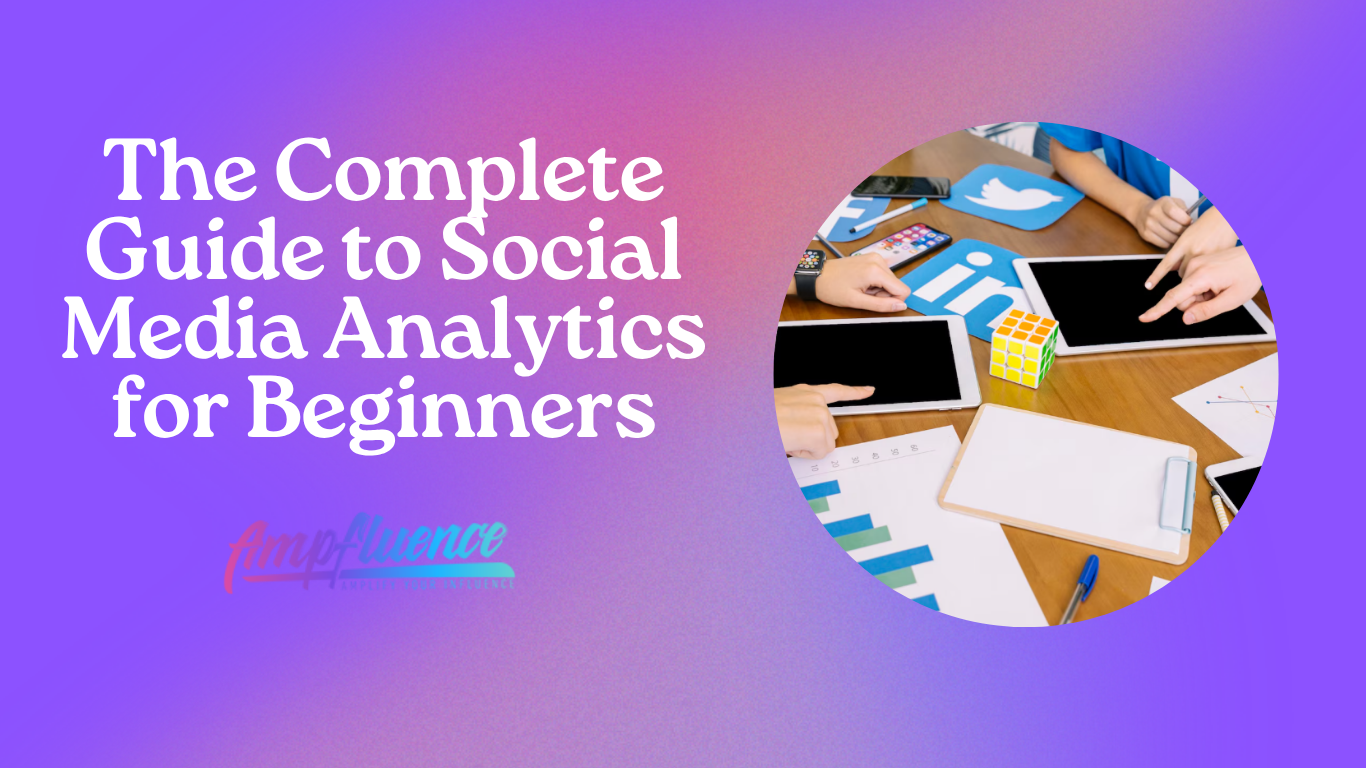
Social media analytics can feel overwhelming when you are just getting started. With so many metrics, dashboards, and reports available across platforms, it is easy to lose sight of what actually matters. However, understanding social media analytics is essential for making informed decisions, improving performance, and proving the value of your efforts.
In this guide, we break down social media analytics for beginners in simple terms so you can understand what to track, why it matters, and how to use data to improve your results. Whether you are a small business owner, a marketing assistant, or a brand working with an agency, this article will help you understand what to track, why it matters, and how to use data to improve results.
What Is Social Media Analytics for Beginners?
Social media analytics is the process of collecting, measuring, and analyzing data from your social media platforms to understand how your content and accounts are performing.
At a basic level, analytics helps you answer questions such as:
• Are people seeing your content?
• Are they engaging with it?
• Is your audience growing?
• Is social media helping you reach business goals?
Analytics turns social media from guesswork into strategy. Instead of posting based on assumptions, you make decisions based on real user behavior.
Why Social Media Analytics Matters

Many beginners focus only on posting consistently, but without analytics, consistency alone does not guarantee growth. Analytics provides clarity and direction.
Social media analytics helps you:
• understand what content works and what does not
• identify your most engaged audience segments
• improve content quality and relevance
• justify marketing spend and resources
• align social media efforts with business goals
For agencies and service providers, analytics is also critical for client reporting, performance reviews, and long-term strategy development.
Key Social Media Metrics Beginners Should Track
Not all metrics are equally important. Beginners often make the mistake of tracking everything without understanding what the numbers actually mean. Below are the most common metrics you will encounter and why they matter.
Reach and Impressions
Reach refers to the number of unique users who saw your content. Impressions indicate how many times your content was displayed, including repeat views.
These metrics help you understand visibility and awareness. If reach is low, your content may not be optimized for the algorithm or your posting strategy may need adjustment.
Engagement Metrics
Engagement measures how users interact with your content. This includes:
• likes or reactions
• comments
• shares or reposts
• saves
High engagement generally signals that your content resonates with your audience. Engagement is also a strong ranking factor for most social media algorithms.
Follower Growth
Follower growth shows how your audience size changes over time. While it is not the most important metric, it helps indicate whether your content attracts new users.
Healthy growth is steady and consistent rather than sudden spikes from giveaways or trends.
Clicks and Traffic
Clicks track how many users clicked links in your bio, captions, or ads. This metric is especially important for businesses using social media to drive website traffic, leads, or sales.
Clicks help connect social media performance to real business outcomes.
Conversions
Conversions measure actions taken after a user clicks, such as signing up, downloading, or making a purchase. This metric is more advanced but critical for performance-driven strategies.
Even beginners should understand that social media success is not just about engagement but also about outcomes.
Platform-Specific Analytics Tools
Each major platform provides built-in analytics tools that are beginner-friendly and free.
Instagram and Facebook Insights provide data on reach, engagement, audience demographics, and content performance.
TikTok Analytics focuses on video views, watch time, traffic sources, and audience behavior.
X Analytics highlights impressions, engagement rate, and profile visits.
LinkedIn Analytics emphasizes impressions, clicks, and professional audience insights.
For beginners, platform-native analytics are more than sufficient before moving to third-party tools.
How Beginners Can Read Social Media Analytics Without Overthinking

One of the biggest challenges for beginners is knowing how to interpret data without feeling overwhelmed. The key is to focus on patterns rather than individual posts.
When reviewing analytics, ask:
• Which posts consistently perform well?
• What topics generate the most engagement?
• What formats work best (video, carousel, static)?
• When is my audience most active?
Avoid judging performance based on a single post. Look at trends across weeks or months to make better decisions.
Setting Simple Goals for Analytics Tracking
Analytics only becomes useful when tied to clear goals. Beginners should avoid complex KPIs and start with straightforward objectives.
Examples of beginner-friendly goals include:
• increasing average engagement per post
• improving reach from non-followers
• growing followers steadily each month
• increasing link clicks from social media
Once goals are defined, analytics becomes a tool for measuring progress rather than a collection of random numbers.
Common Mistakes Beginners Make

Many beginners misuse analytics without realizing it. Some of the most common mistakes include:
• focusing only on likes
• comparing performance to unrelated accounts
• changing strategy too frequently
• ignoring audience data
• not documenting results over time
Analytics works best when used consistently and patiently. Sudden changes based on short-term data often do more harm than good.
Turning Analytics Into Action
Data alone does not improve performance. What matters is how you apply what you learn.
Use analytics to:
• double down on high-performing content themes
• adjust posting times based on audience activity
• refine captions and messaging
• experiment with formats that drive saves and shares
• eliminate content that consistently underperforms
For agencies, this process becomes the foundation of content optimization and reporting.
How Often Should Beginners Review Analytics?
Beginners do not need to check analytics daily. In fact, over-monitoring can lead to unnecessary stress and reactive decisions.
A simple structure works best:
• weekly check-ins for basic performance
• monthly reviews for trends and insights
• quarterly evaluations for strategy adjustments
This approach balances consistency with long-term thinking.
Final Thoughts: Analytics Is a Skill, Not a Tool
Social media analytics is not about mastering dashboards overnight. It is about developing the habit of learning from your content and audience.
For beginners, the goal is not perfection but understanding. Once you know what to track and why it matters, analytics becomes less intimidating and far more empowering.
For agencies and service providers, teaching clients or teams how to understand analytics builds trust, transparency, and stronger results over time.


5 Responses
I came across this platform while looking for something simple to manage payments online. A comment pointed me toward https://abfpay.com/en, and I decided to explore it. What I liked was that it didn’t try to overwhelm me with too many options at once. The structure felt clear, and I could move around easily. It gave me the impression that it’s designed with regular users in mind.
Hi everyone! A friend I met online who plays from Canada suggested I try this platform. Later that evening I searched for it and landed on Brango Casino. I liked how the information about games and features was clearly presented. It didn’t take long to understand what’s available. I ended up browsing longer than expected and left with a positive impression.
Social media analytics is the process of collecting, measuring, and analyzing data from your social media platforms to understand how your content and accounts are performing cookie clicker 76 free.
Social media can help us a lot bitlife. That’s pretty cool much.
Tracking engagement, retention, and meaningful interactions, bad time simulator proves how data-driven insights create addictive gameplay and stronger audience growth.